Formatting Disks Using diskutil (Mac)
For all the years that I’ve been using a Mac, I’ve always formatted internal and external disks using the built in Disk Utility.app. However, a few years ago I discovered that I could achieve the same results but do it all in the command line which - like everything that’s new in the beginning - felt more cumbersome but I soon realized how much quicker it was typing rather than clicking a bunch of UI elements.
No matter which format that you want your storage to be in, the command syntax is always nearly identical:
diskutil eraseDisk [format] [DiskName] /dev/[DiskNodeID]
diskutil - operates on disk partitions: mounting and unmounting, getting information, renaming, erasing, etc.
eraseDisk - flag for erasing a disk [format] - replace this with the format that you want the disk to be in (see options further down this post)
[DiskName] - replace this with the desired name of your disk
/dev/[DiskNodeID] - replace DiskNodeID with the appropriate ID of the disk that you want to format (this can be found on the far left side of the terminal window when listing all drives)
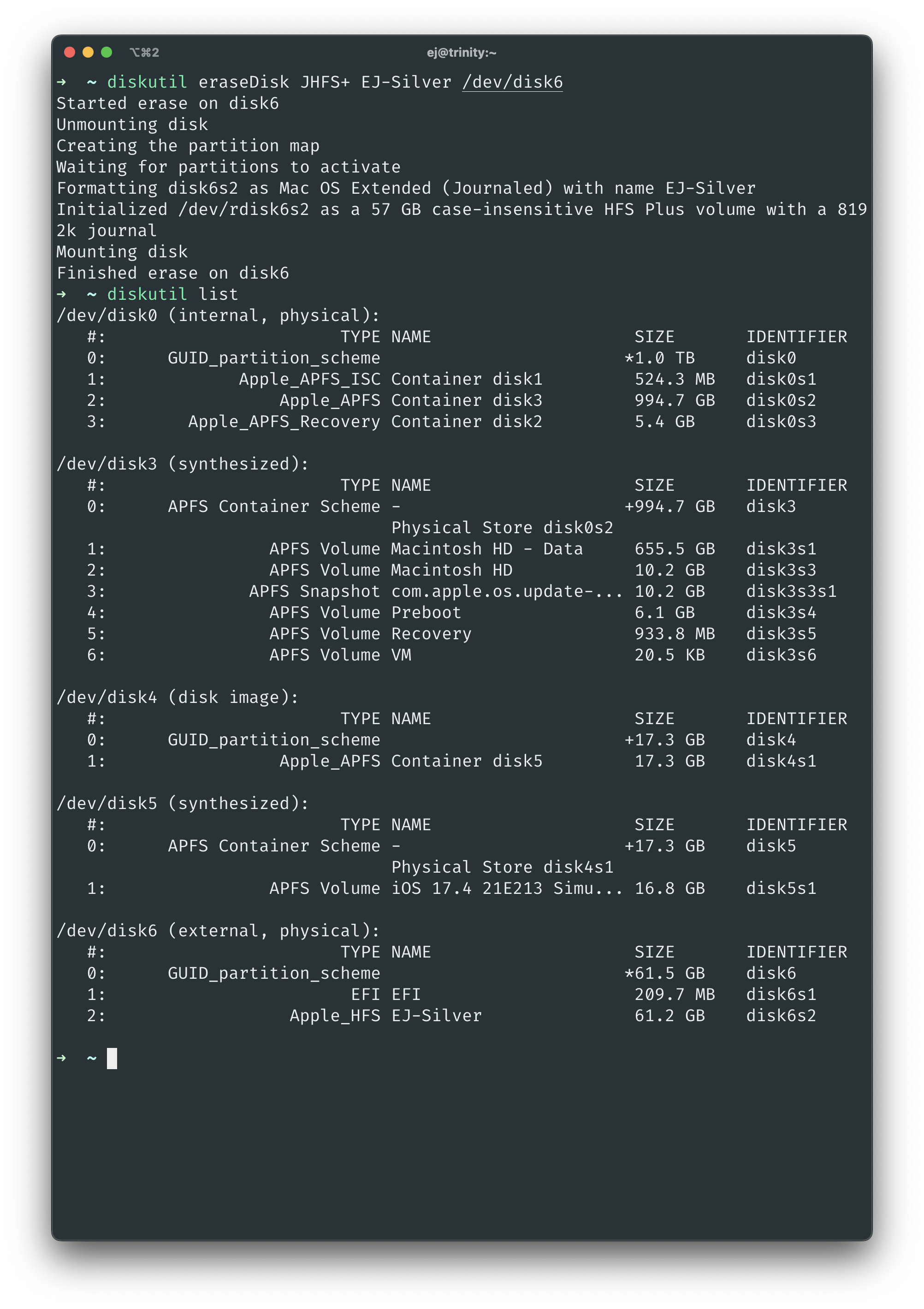
An example of this command would be
diskutil eraseDisk JHFS+ EJ-Silver /dev/disk6
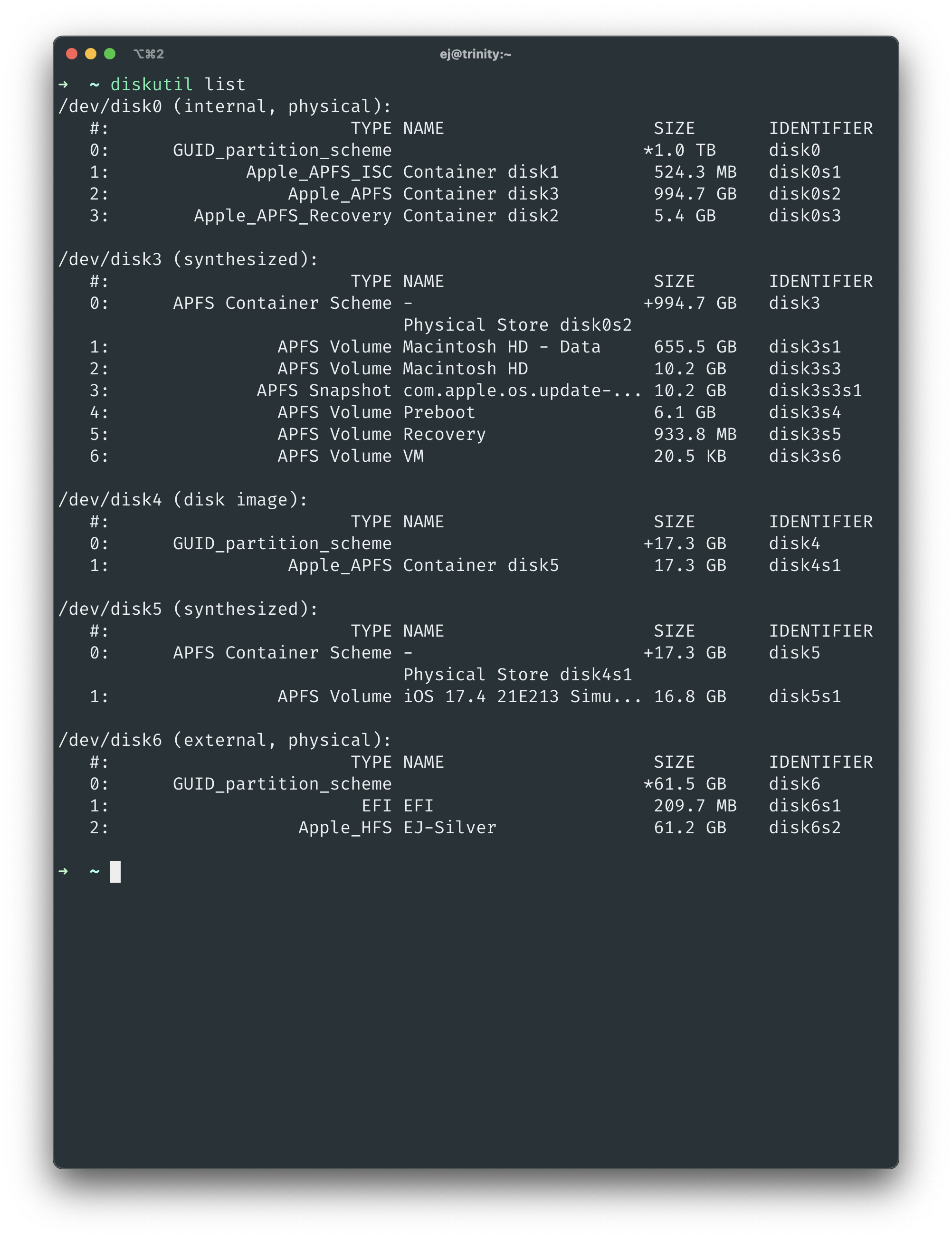
To output a list of all of your internal and external disks you can type
diskutil list
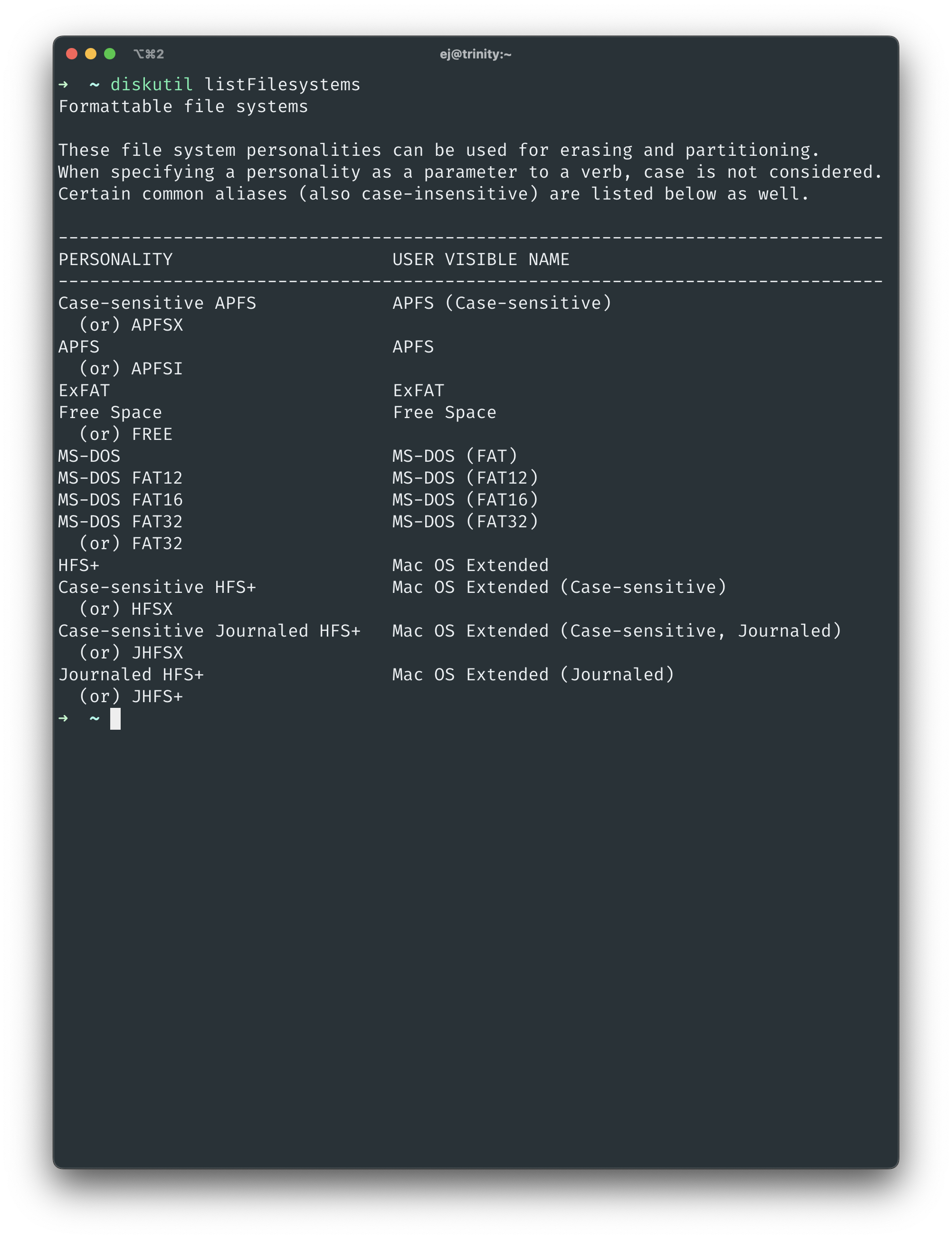
You can find a list of supported formats by typing
diskutil listFileSystems