Moving Ollama Models to an External SSD on macOS
Related Links
Understanding Ollama’s Use of Hash Files
I’ve been experimenting with Ollama for running local LLMs for my Transcription Generator project, but those models quickly started eating up space on my internal drive. Since I have an external SSD with plenty of room, I decided to move them there.
Finding the Models
By default, Ollama stores models in:
~/.ollama/models OR /Users/username/.ollama/models
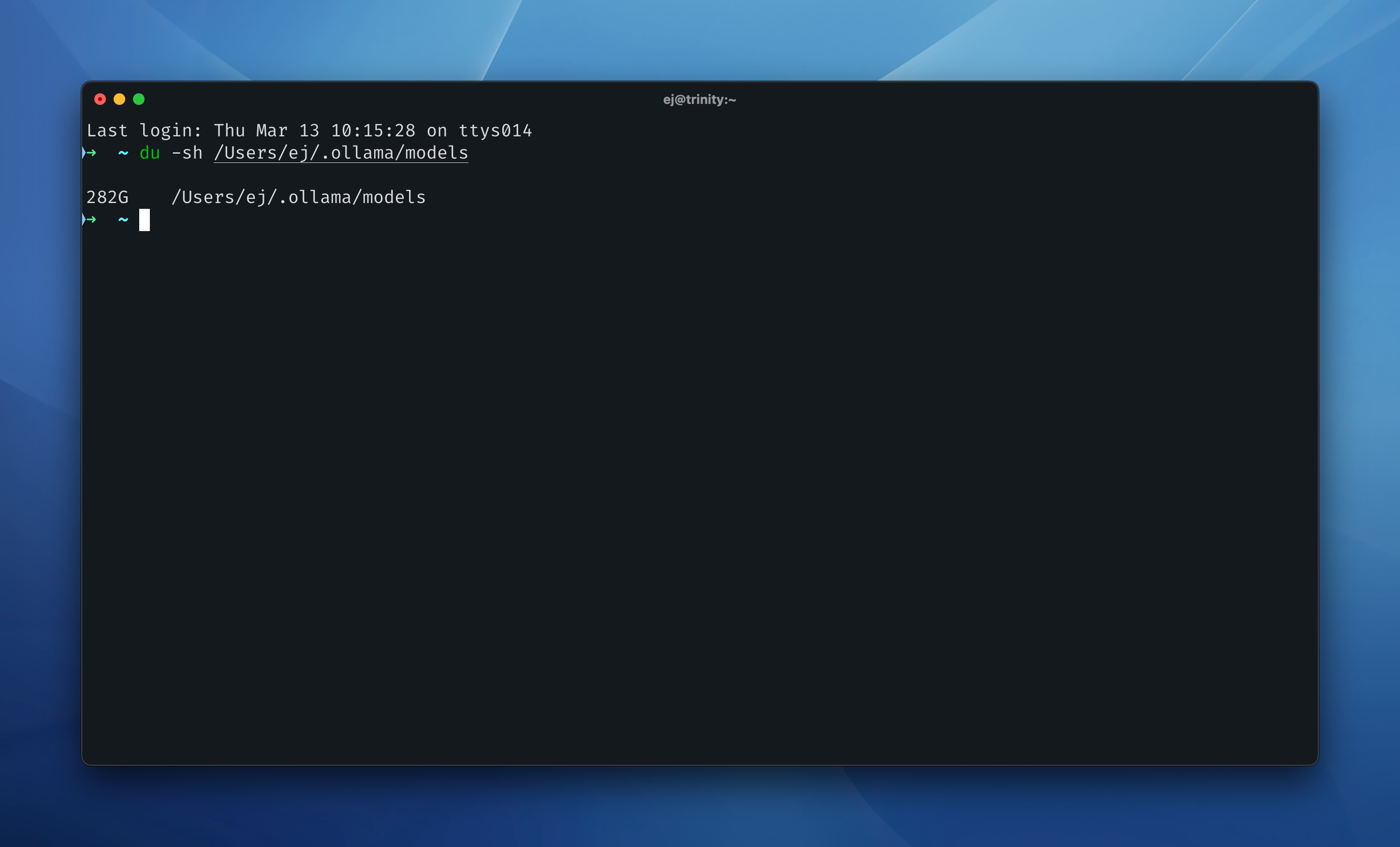
A quick check confirmed just how much space they were taking:
du -sh Users/ej/.ollama/models
Moving the Models to an External SSD
I created a new folder on my SSD (/Volumes/EJ-1TB/OllamaModels) and moved everything over:
mv ~/Library/Application\ Support/Ollama/models/* /Volumes/EJ-1TB/OllamaModels/
Creating a Symlink
To make Ollama think the models were still in the original location, I used a symbolic link:
ln -s /Volumes/EJ-1TB/OllamaModels .ollama/models
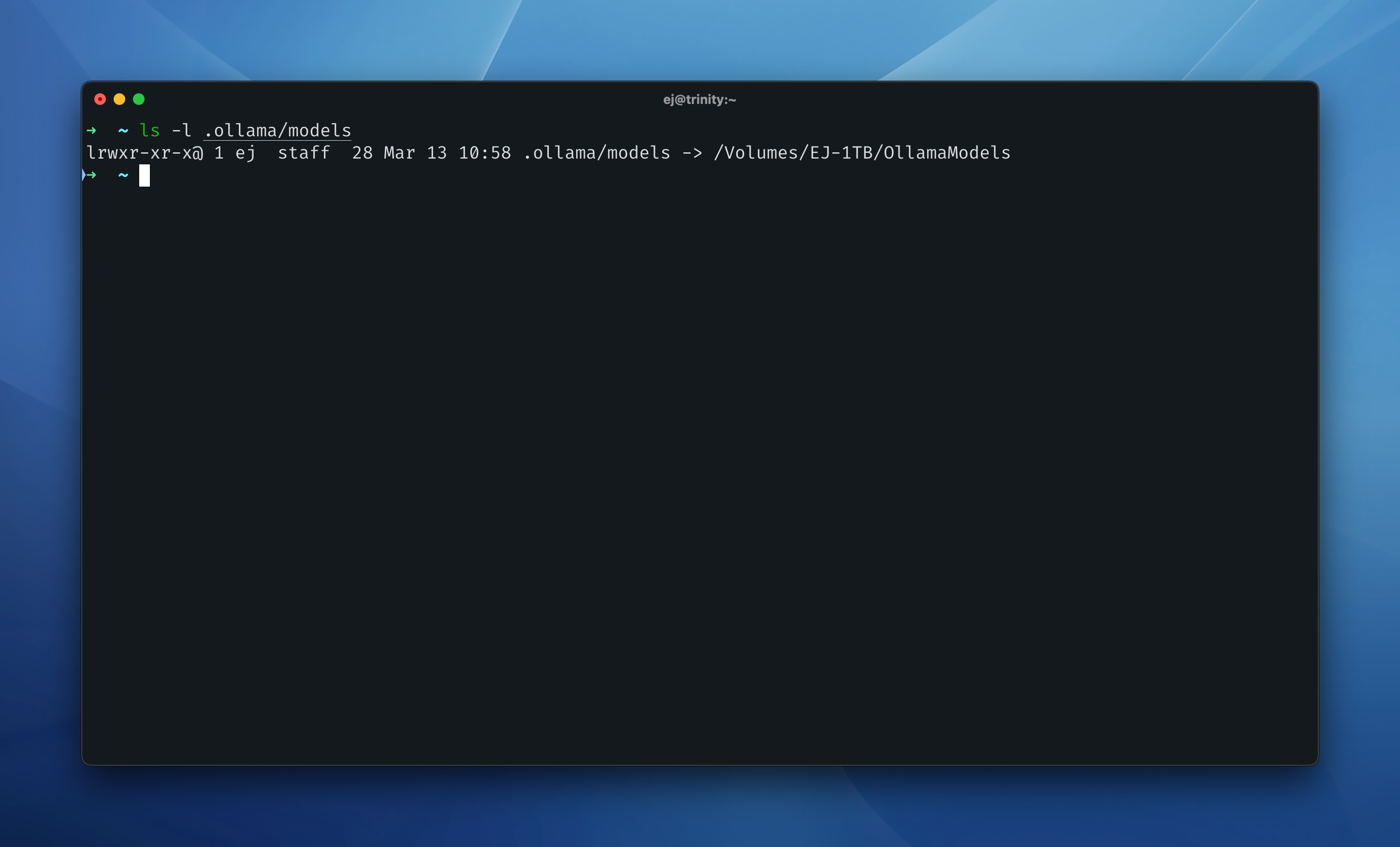
Now, when Ollama checks for models, it follows this link to the SSD instead. Running:
ls -l .ollama/models
shows models -> /Volumes/ExternalSSD/OllamaModels, confirming the setup.
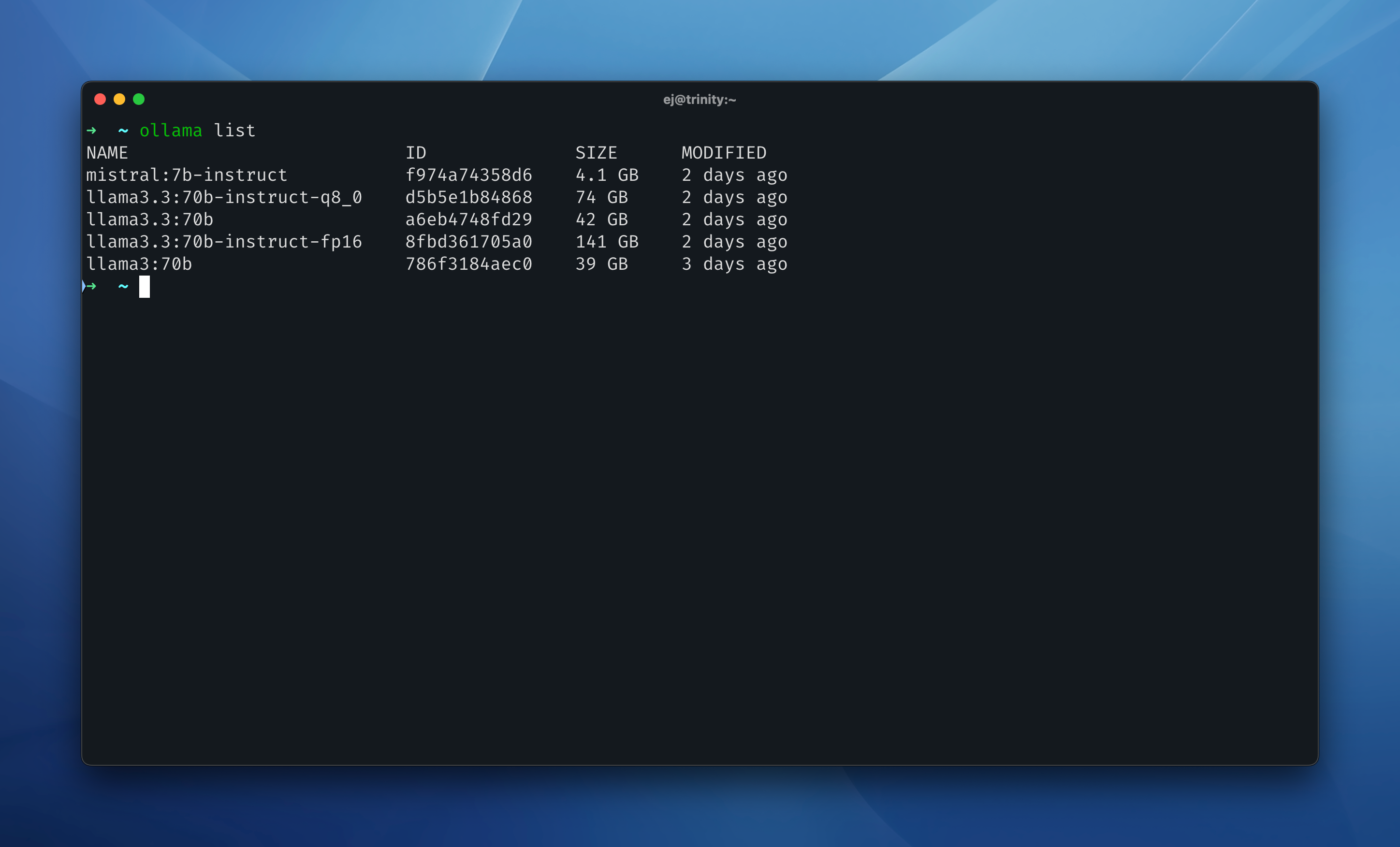
A quick check with:
ollama list
verified that Ollama still sees all my models.
Now, my internal drive is free of massive model files, and everything runs just as smoothly from the SSD.