Understanding Ollama’s Use of Hash Files
Related Links
Moving Ollama Models to an External SSD on macOS
Since I’m utilizing Ollama for running local models in my Transcription Generator Project, I thought I’d explain Ollama’s use of hash files.
When you look inside the models directory of Ollama, you’ll see two subdirectories:
-
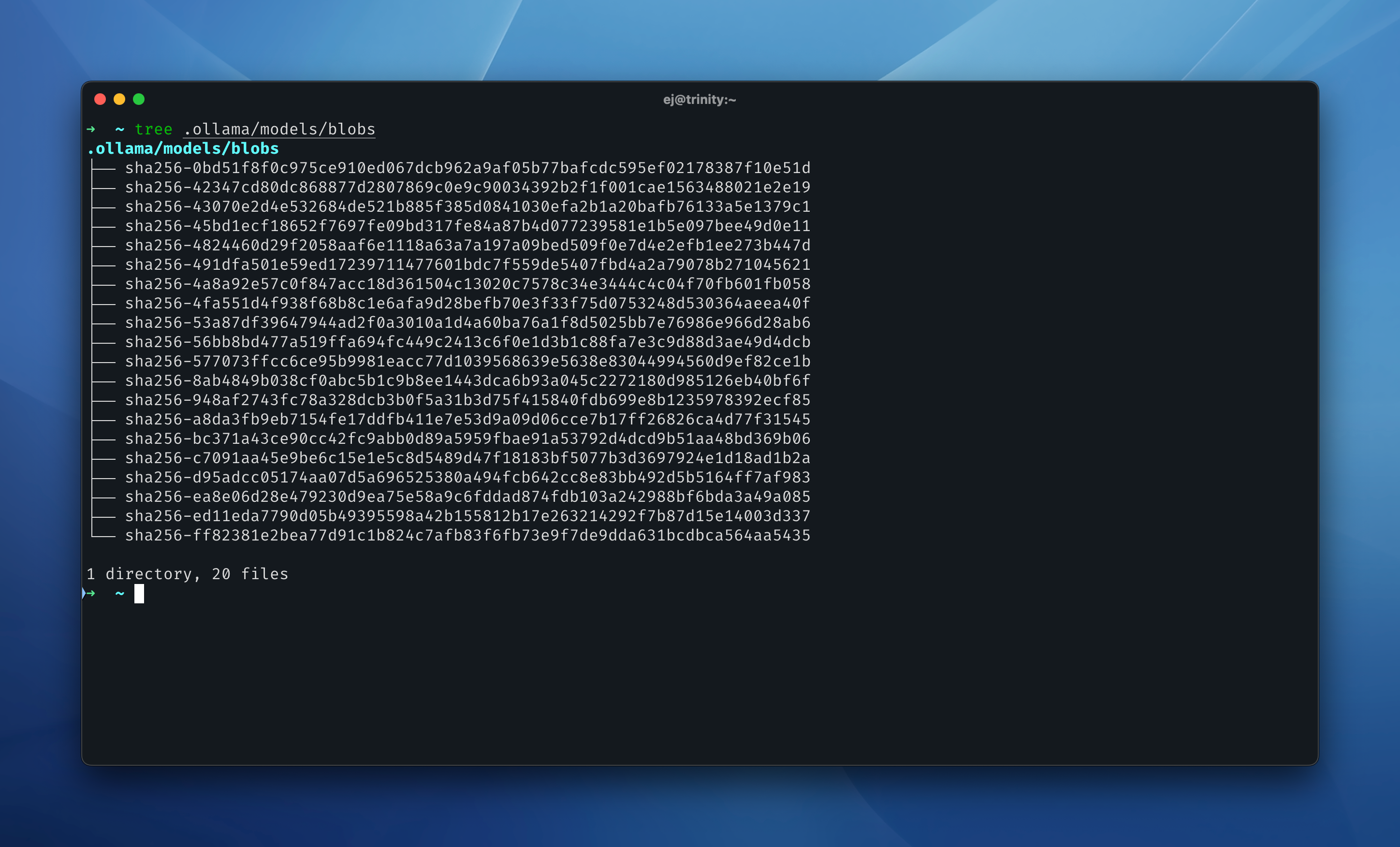
blobs/ – This contains files with names that start with sha256-, followed by a long string of characters.
-
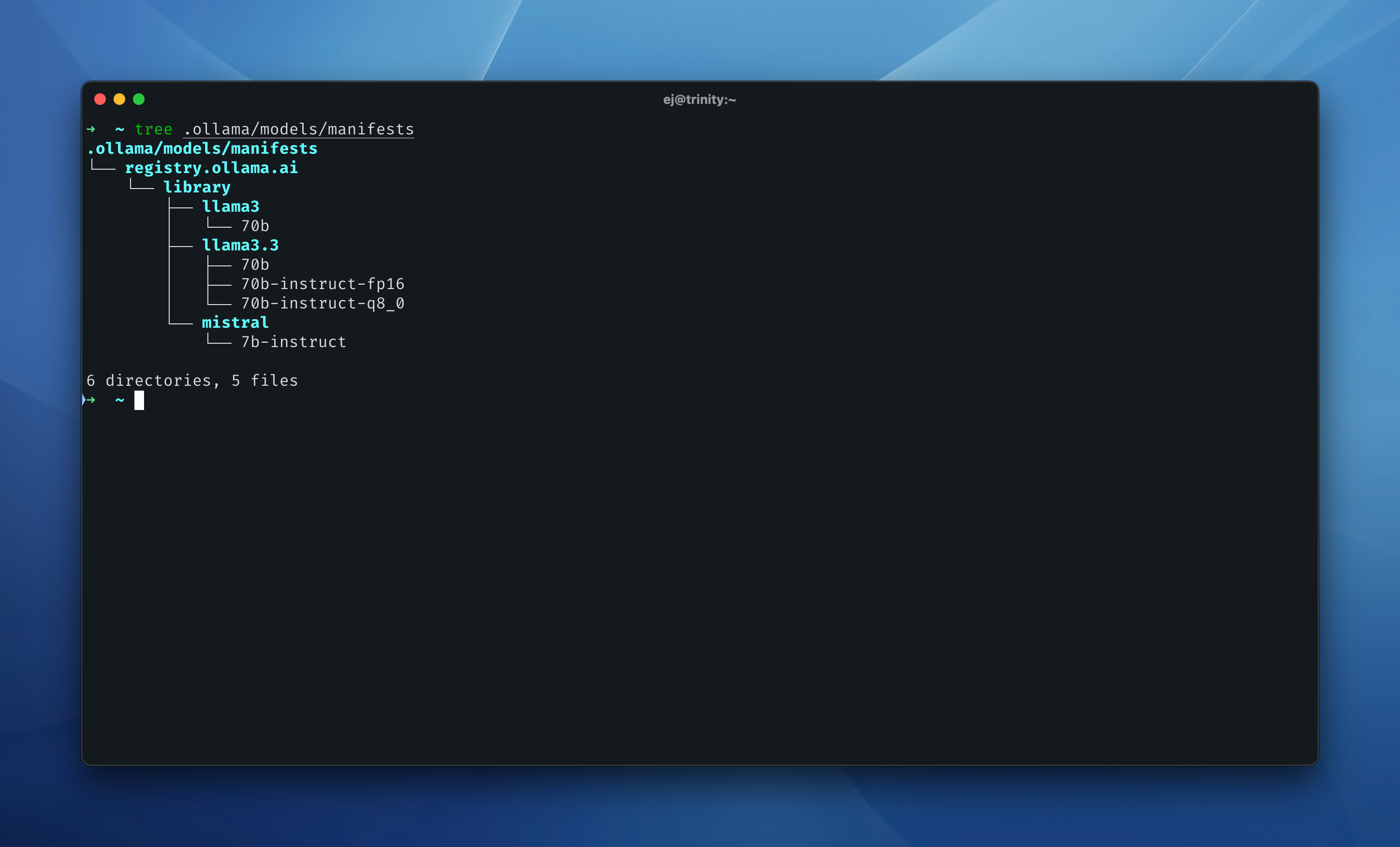
manifests/ – This organizes model references by name, linking them to their respective blobs.
What Are These Hash-Based Filenames?
Each model file is stored with a SHA-256 hash as its filename. These long strings of letters and numbers represent a unique fingerprint of the file’s contents. Instead of traditional filenames like llama3-70b.gguf, you get something like:
sha256-0bd51f8f0c975ce910ed067dcb962a9af05b77bafcdc595ef02178387f10e51d
.gguf is a file format designed for efficiently running AI models on different hardware, including CPUs and GPUs. It improves performance while reducing storage requirements. Ollama supports .gguf, but instead of storing models with traditional filenames, it references them using their hash values.
Why Does Ollama Use Hashes?
Ollama organizes its models this way for a few different reasons:
-
Efficient Deduplication
-
Data Integrity & Verification
-
Versioning & Consistency
-
Registry-Based Lookup
ollama run llama3
without needing to worry about the actual file location or hash.
How This Affects Moving Models to an External SSD
Because Ollama uses hash-based storage , moving models to an external SSD requires moving the entire models/ directory—including blobs/ and manifests/. This ensures:
-
All models remain properly linked.
-
Ollama can still resolve model names to their respective hashes.
-
You don’t accidentally break references by moving just some files.
Once moved, the symlink setup ensures that all new models will also be stored on the SSD, keeping the internal drive free of these large models.
At first, the hashed filenames were rather confusing, but I started to realize that they’re actually a smart way to handle model storage efficiently.